Channels, locales, and currencies define the contexts in which product information is maintained. Locales and currencies can be prepared before the catalog structure. Because a channel references a root category, create the applicable category hierarchy before completing the channel configuration or importing scoped product values.
Product Hub includes 213 preconfigured locales and 90 preconfigured currencies covering the standard language and region combinations and monetary units. Check the applicable list before creating a record. In most cases, the required record is already available and only needs to be enabled. Create a locale or currency only when it is not included in the preconfigured records.
Locales
A locale represents a language and region, such as English (United States). Locales can be assigned to channels and used by attributes or category fields configured with Value per locale.
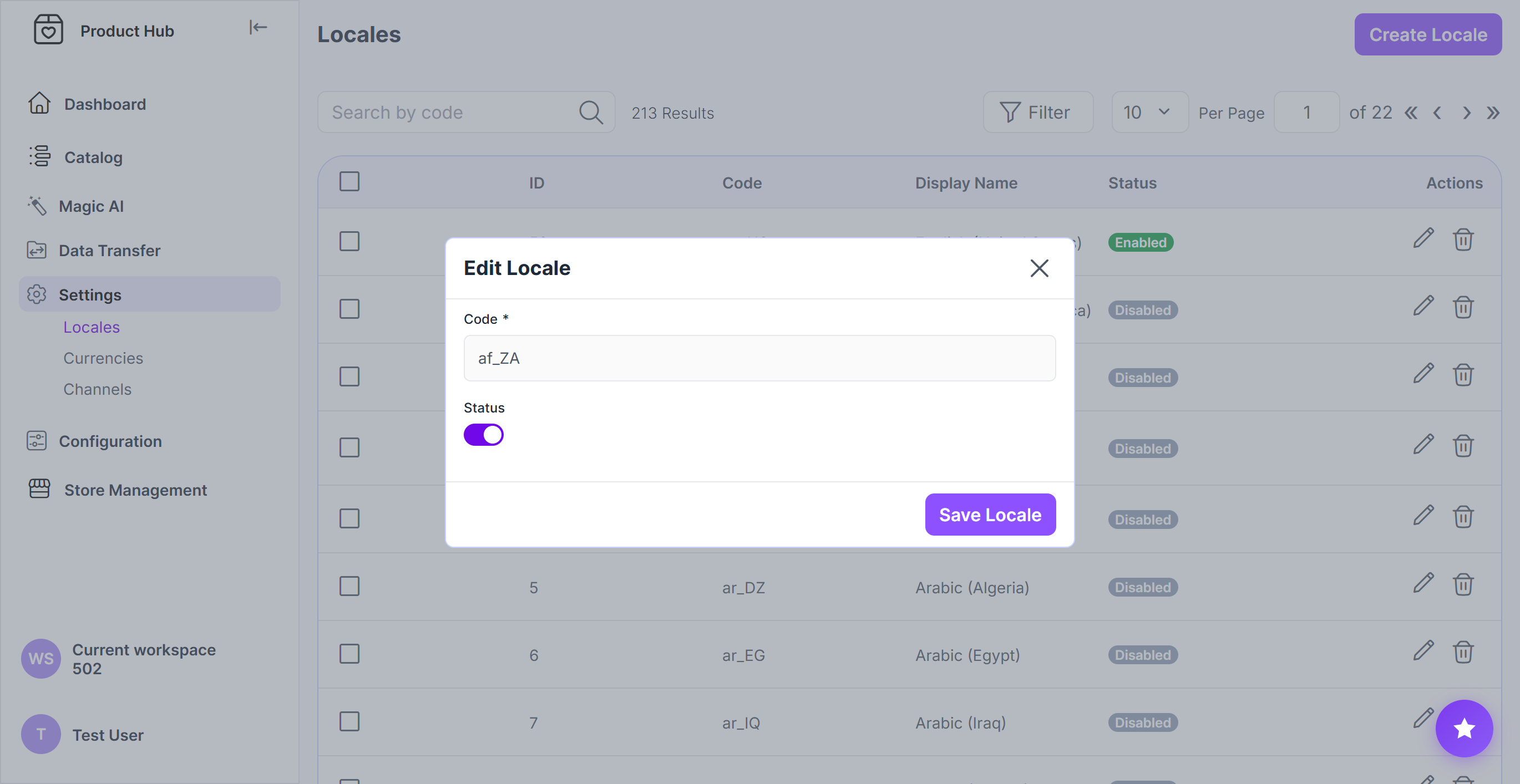
Enabling and creating a locale
Navigate to Settings > Locales
Search for the required locale
If it is available, open the locale
If it is not available, click Create Locale and enter its Code
Enable Status to make the locale available for use in Product Hub, including selection in channels and localized values.
Click Save Locale
Currencies
Currencies define the monetary units available to channels and price-related values.
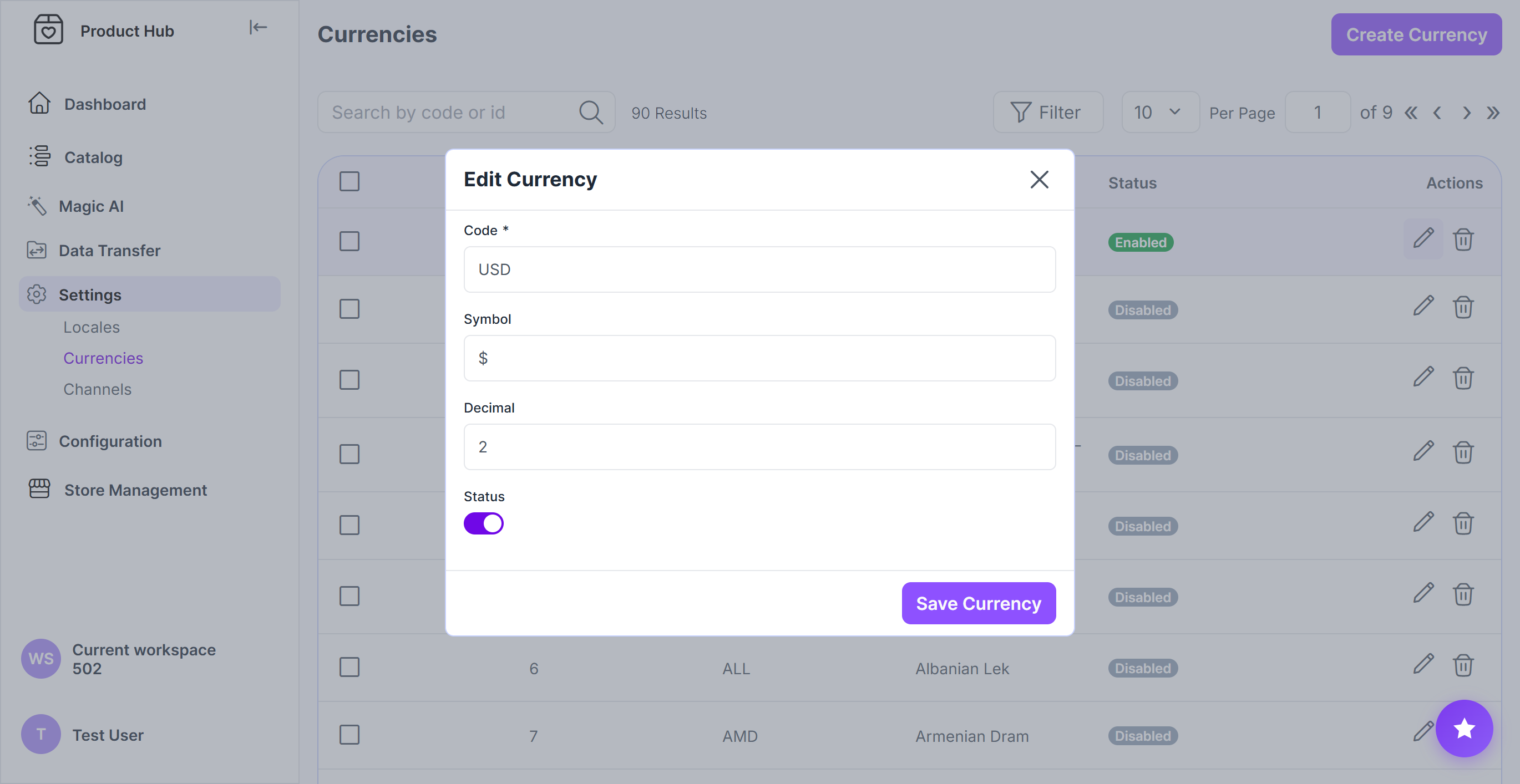
Enabling and creating a currency
Navigate to Settings > Currencies
Search for the required currency.
If it is available, open the currency.
If it is not available, click Create Currency and enter its Code.
Use the applicable ISO 4217 code, such as EUR, USD, or GBP, to keep identifiers consistent across Product Hub and connected systems.
For a currency created manually, enter the Symbol, such as € or $, and set Decimal places to determine the number of digits supported after the decimal separator.
Enable Status to make the currency available for use in Product Hub, including selection in channels and price-related values
Click Save Currency
Channels
A channel represents a context in which product information is published or used, such as a webshop, marketplace, or print catalog. Each channel defines the category hierarchy, locales, and currencies available in that context.
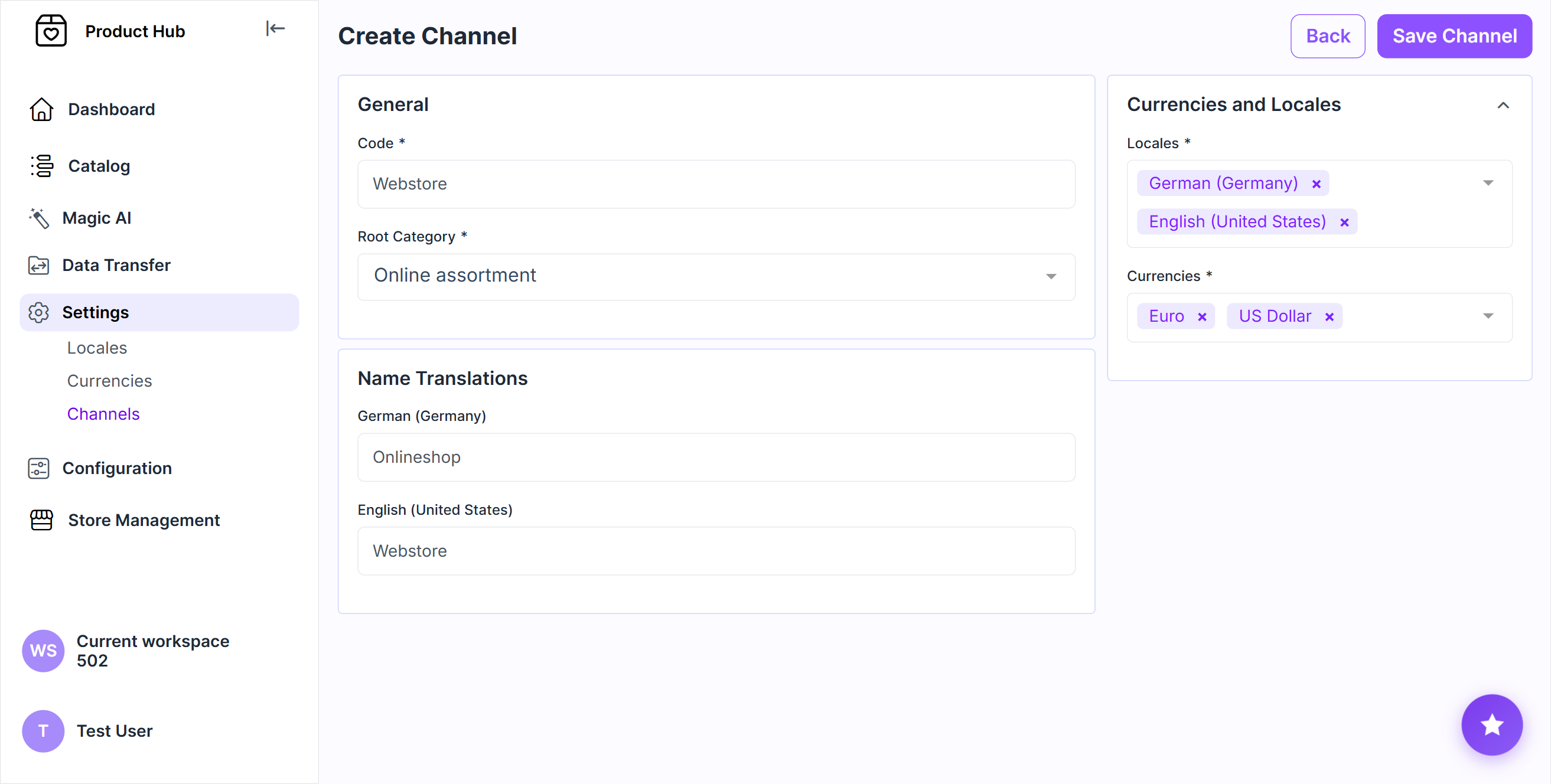
Creating a channel
Navigate to Settings > Channels
Click Create Channel
Enter a unique Code
Enter the localized channel Name for each applicable locale.
Select the root category
Select a top-level category whose hierarchy should be associated with the channel. The selected category and all categories below it form the channel’s category tree.
For example, selecting Online assortment makes that category and its child categories the relevant category tree for the channel.Select the Locales and Currencies available in the channel
Click Save Channel
Scoped product values
Product attributes can store:
One value shared across all contexts.
A separate value for each locale.
A separate value for each channel.
A separate value for each channel and locale combination.
The available inputs depend on the Value per locale and Value per channel settings configured for the attribute.
Use scoped values only when the product information differs by channel or locale. Each additional scope increases the amount of product data that must be maintained and included in imports.
Example
Product field | Scope | Example |
SKU | Shared | SHOE-TRAIL-001 |
Product name | Per locale | Summit Trail Shoe / Summit-Trailschuh |
Description | Per locale | English and German descriptions |
Price | Per channel | 89.99 EUR in EU webshop |
Context rules and limitations
For the actions available across the Locales, Currencies, and Channels pages, see Working with Product Hub records. The rules below cover dependencies that apply specifically to locales, currencies, and channels.
Before deleting a locale or currency, review its existing dependencies:
A locale or currency may be assigned to channels or used by existing product and category values.
A channel may be referenced by channel-specific values or data-transfer configurations.
Remove the applicable assignments before deleting the item. If it should no longer be available for new configurations but its existing references must be retained, disable it instead.
Changing the number of decimal places may affect how existing monetary values are displayed or processed.