When the Member Journey generation finishes, the Planner automatically redirects you to the Loyalty Map. You can also return to it anytime from Plan Overview → Program Tools → Loyalty Map.
The Loyalty Map is the visual overview of your entire loyalty program. This is where all journeys come together into a single, structured view.
It organises the member journeys into 4 stages, each containing predefined stations:
Program Access
Joining
Leaving
Making Progress
Member Actions
Occasions (time-based events, e.g., birthdays, anniversaries)
Getting Benefits
Loyalty Points
Rewards
Loyalty Tiers
Withdrawing Benefits
Use (redeeming benefits)
Expiration
Each station shows how many journeys connect to it. If journeys link two stations, a line is shown between them.
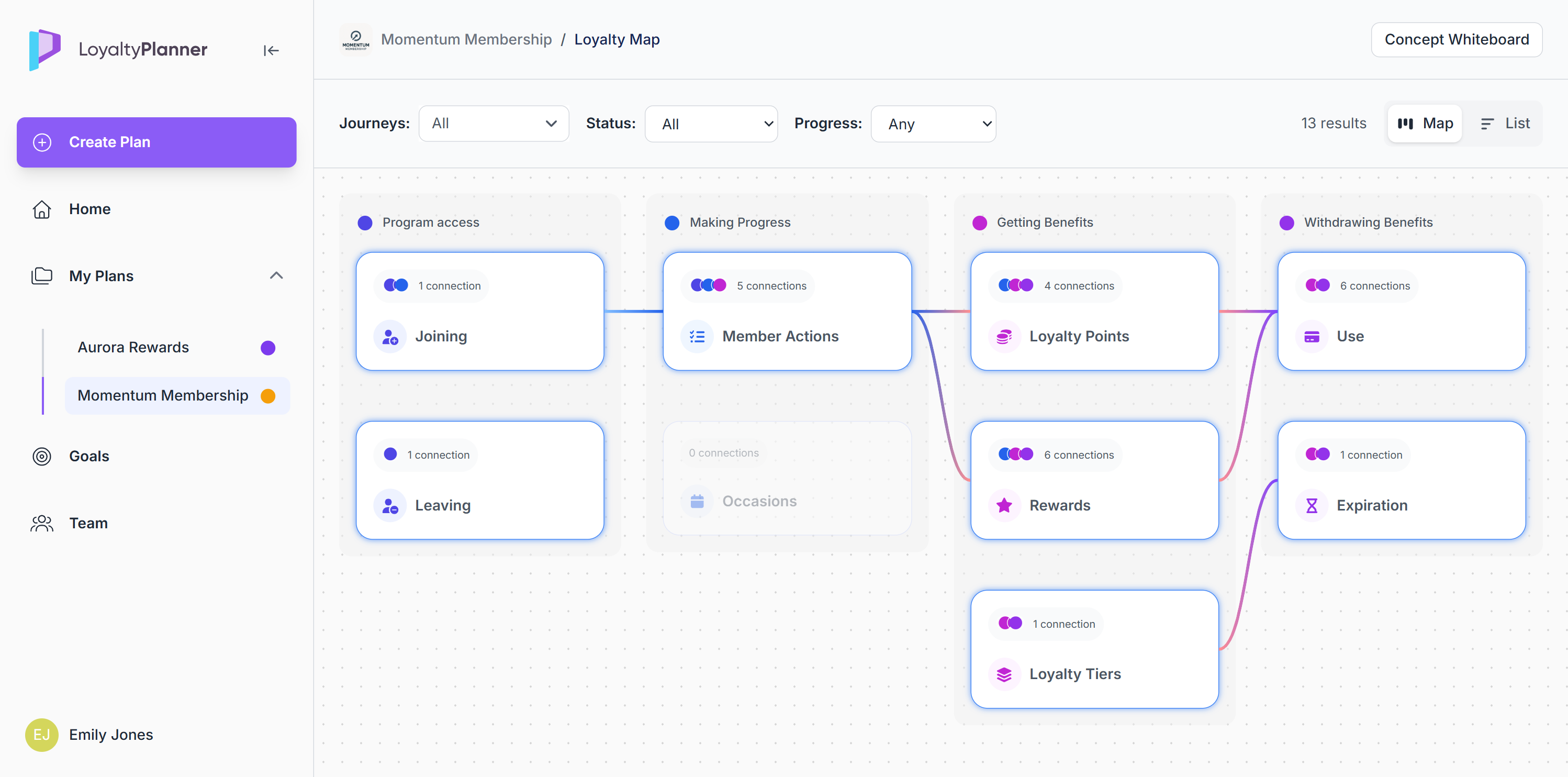
A Concept Whiteboard button in the top-right allows you to return and modify your program rules.
If your changes affect logic, an Update member journeys button will appear on the Concept Whiteboard to regenerate journeys and keep the Loyalty Map in sync.
Viewing Journeys from the Map
Stations display the number of journeys connected to them.
Stations with at least one journey are clickable.
When you click a station:
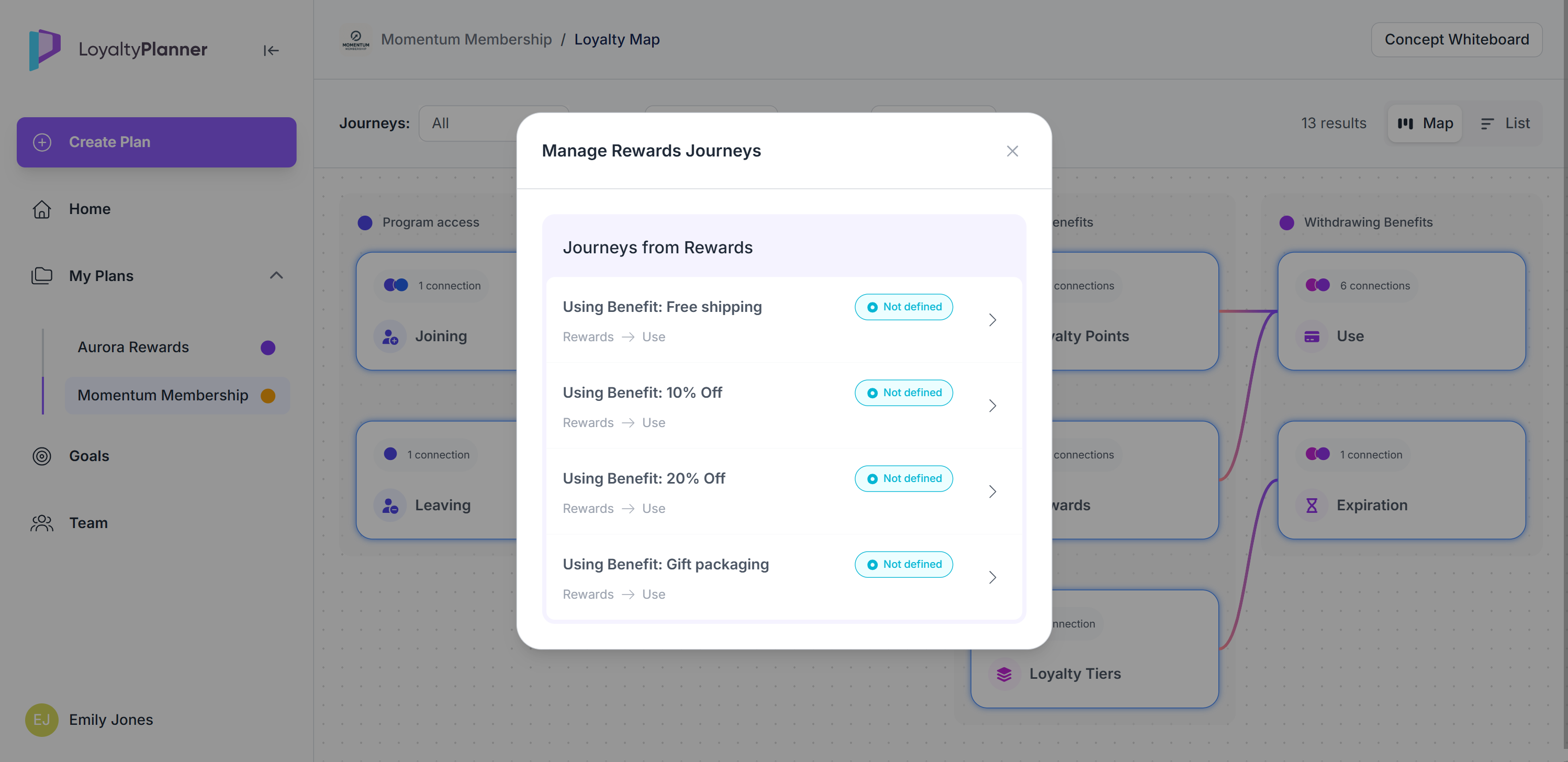
A Journeys popup opens
It lists all connected journeys
Each journey displays:
Name
Status
Last edited information
By clicking >, you can open any journey directly in the Journey Editor.
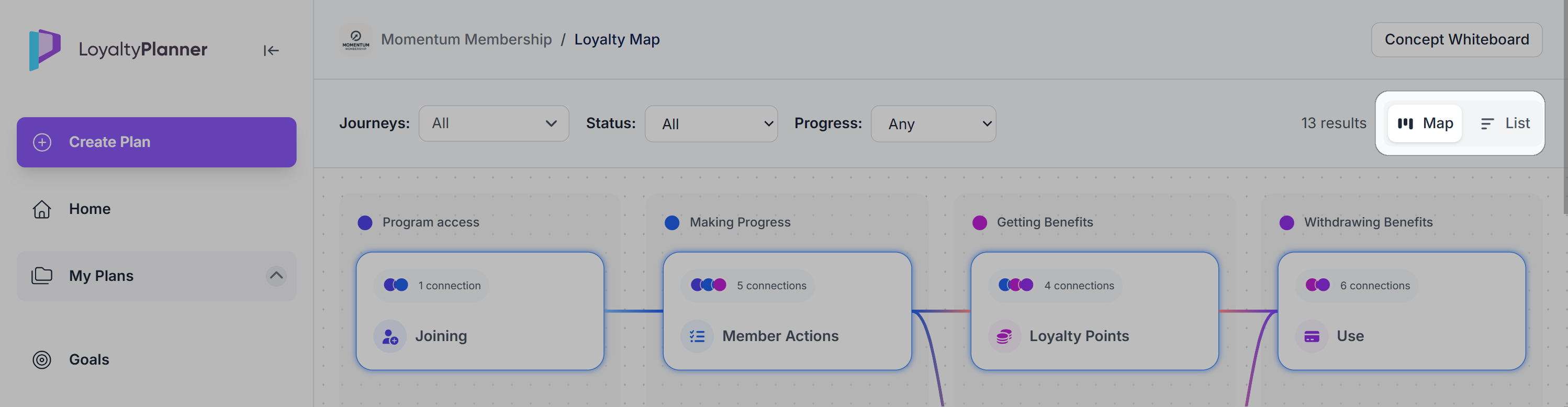
You can switch to the Journey List view at any time using the view buttons. Simply click the List icon to open the table view of all journeys.
To return to the visual view, click the Map icon in the same toggle.
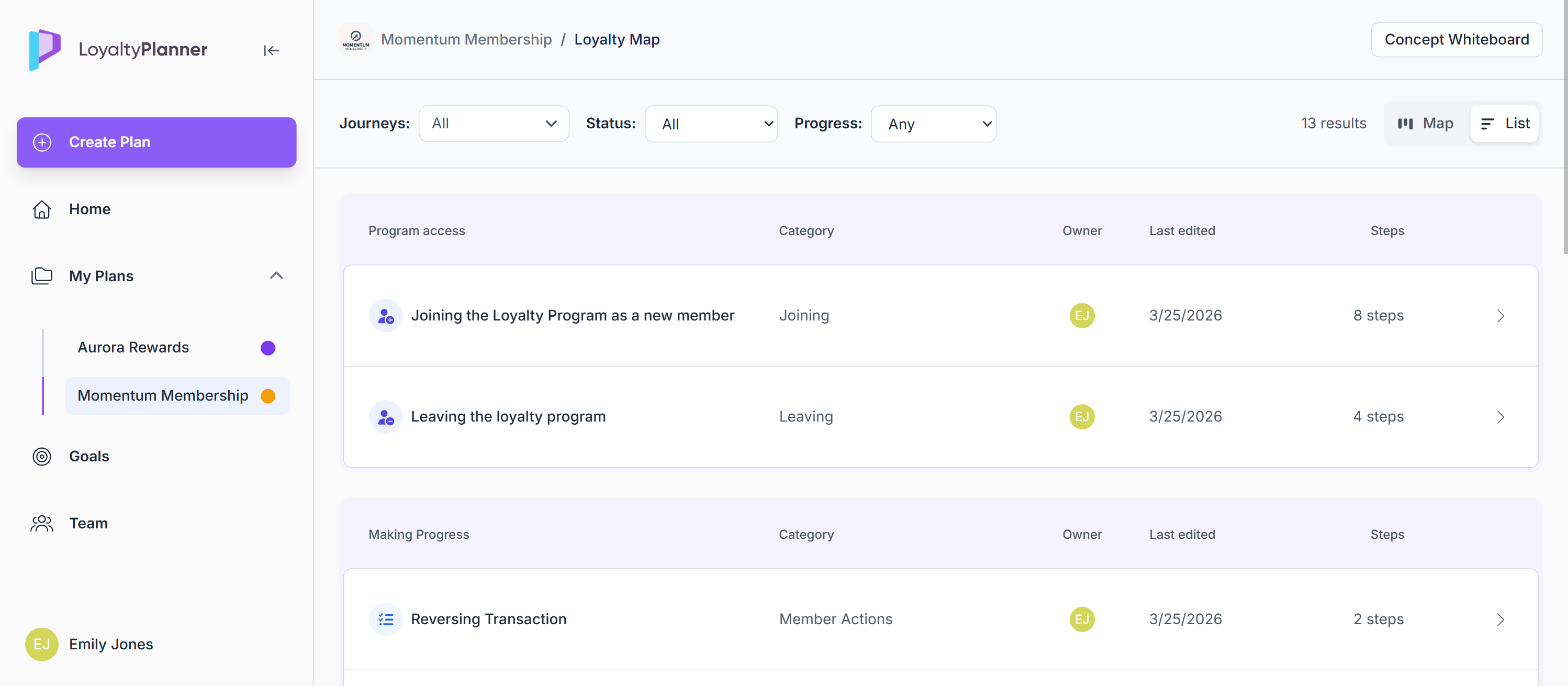
Journey List view
The List view provides a structured table of all journeys generated from your Concept Whiteboard, including:
Journey name
Category
Owner
Last edited date
Number of steps within the journey
Click > next to any journey to open the Journey Editor.
Filtering the list
At the top of the page, you can Filter by Journey, Status, and Progress
Filters apply to both the Map and the List view. If no journeys match your filters, an empty state appears.
.png)
Sharing the Loyalty Map
You can share a read-only preview of your loyalty program from the Plan Overview page.
Click the Share button in the top-right corner to generate a link that displays the current plan in preview mode.
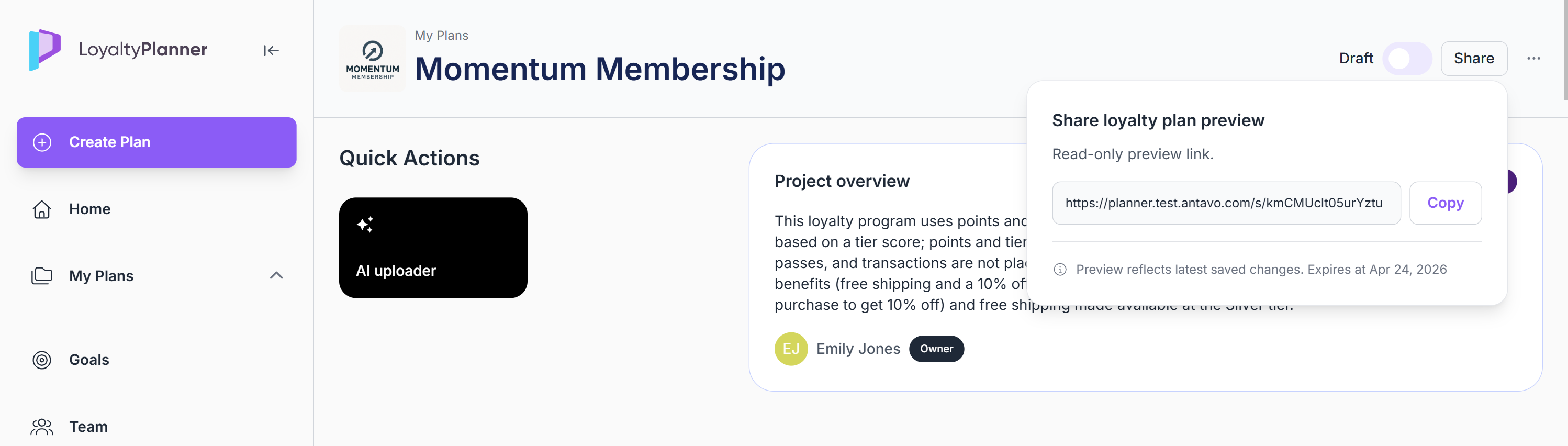
The preview shows the Loyalty Map by default, and viewers can switch between Map and List view using the same toggle available in the editor.
This allows you to present your program structure to stakeholders without granting editing access.