Store Management provides a shared directory of the locations used in Antavo configurations. Each store has a stable identifier and location details, allowing connected features to recognize where a transaction or other store-related activity took place.
Store groups make it possible to reference multiple locations together. For example, a promotion can apply to all airport stores or all stores in a particular country without selecting each store individually.
Configure stores and store groups when eligibility, targeting, or other business logic depends on a specific location or group of locations.
Store groups
Create store groups before stores when locations should be referenced together by region, country, brand, format, or another business structure.
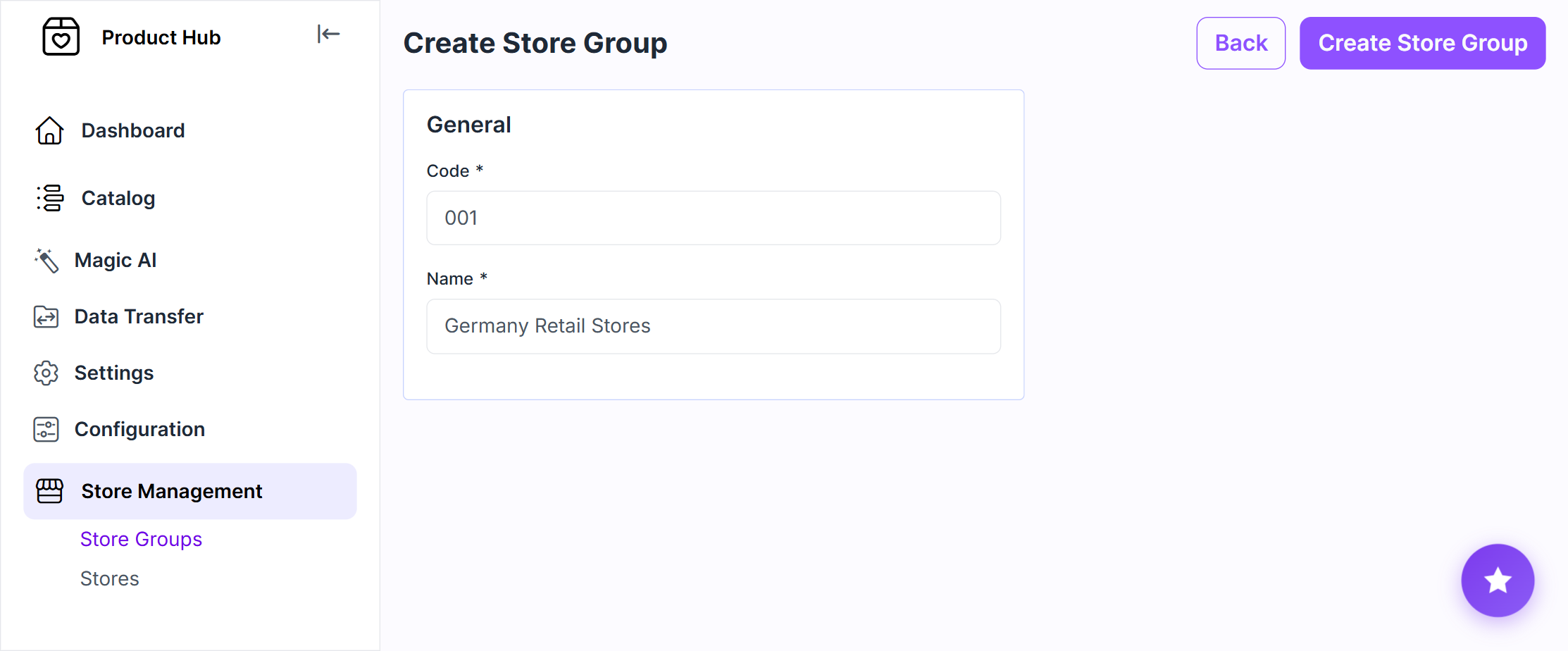
Creating a store group
Navigate to Store Management > Store Groups.
Click Create Store Group.
Enter a unique Code
Enter a descriptive Name
Click Create Store Group
Use stable codes because store groups can be referenced by connected configurations and API requests.
Stores
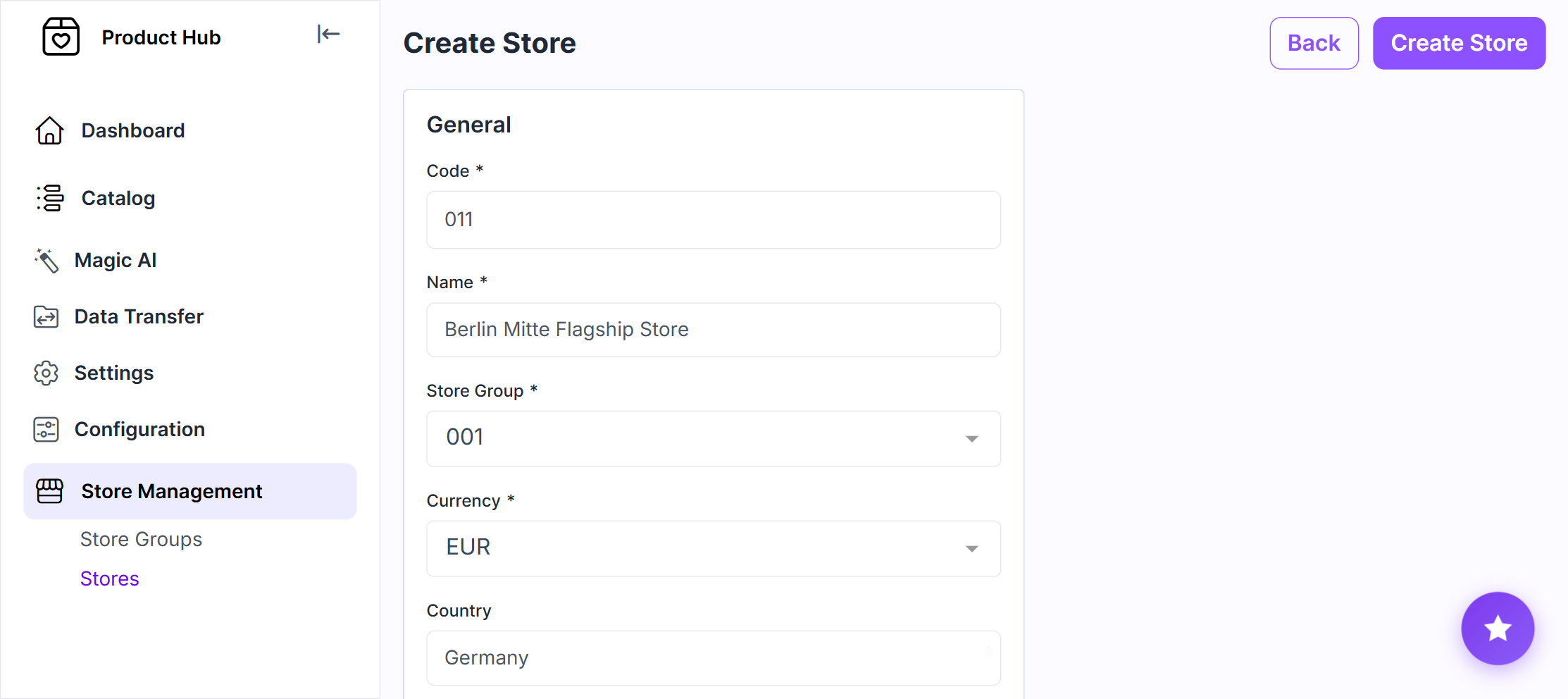
Creating a store
Navigate to Store Management > Stores
Click Create Store
Enter a unique store Code and Name.
Select the store group and currency associated with the store
Enter the address details:
Country
State or region
ZIP or postal code
City
Street address
Enter latitude and longitude
Click Create Store
Store rules and limitations
A store group cannot be deleted while stores are assigned to it. Reassign or delete the associated stores before deleting the group.
Before deleting a store, check whether its code is referenced by transactions or configurations in connected Antavo features.